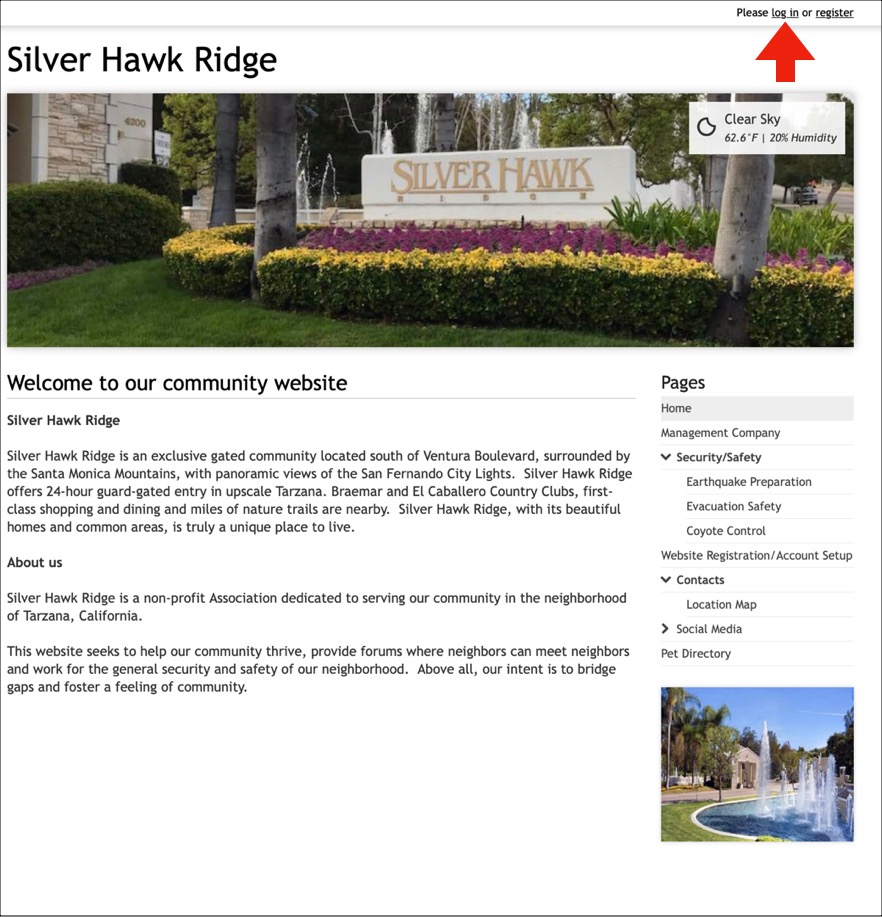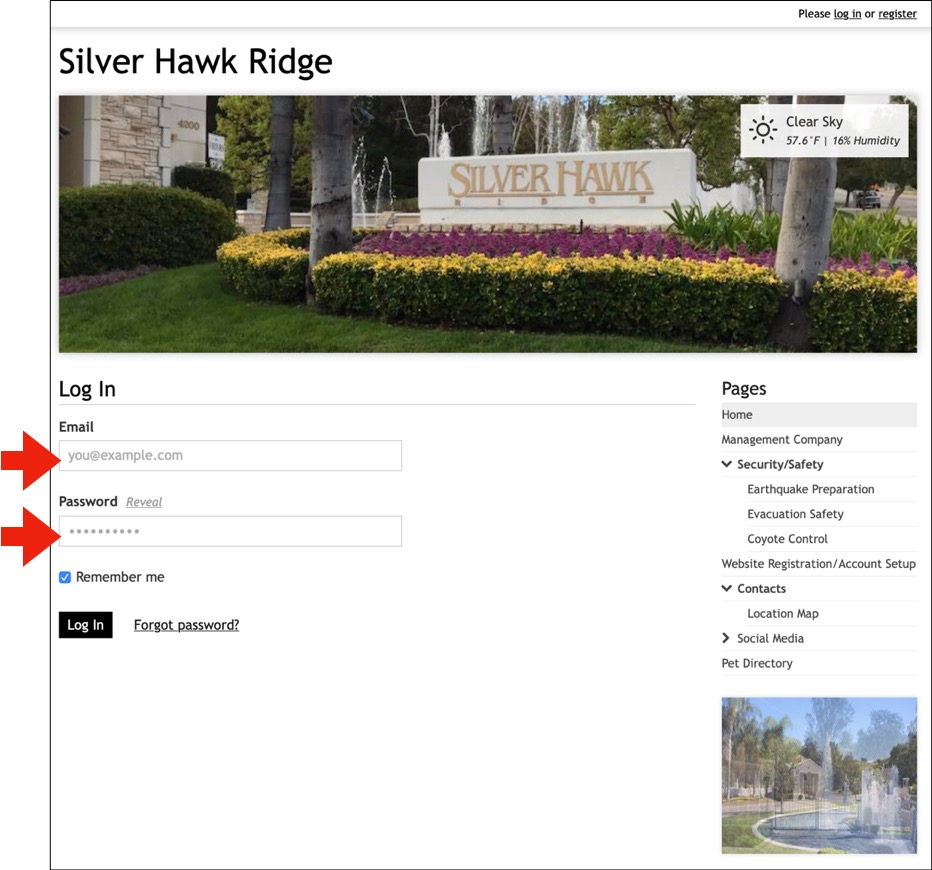
Website Registration
Registering on our community website
I just received an invitation to the website. What now?
Most pages of our website are PRIVATE and PASSWORD PROTECTED. You will only see the unprotected pages without registering and logging into this site.
1. Select "register" in the upper right corner of the website page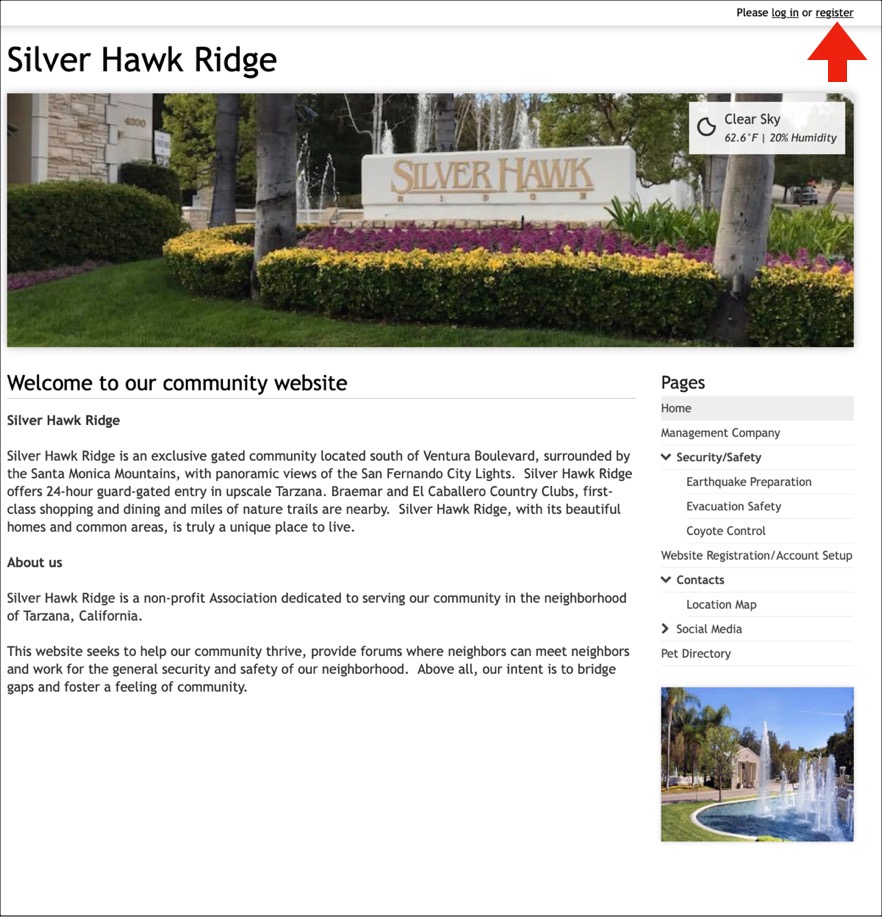
2. Member Registration
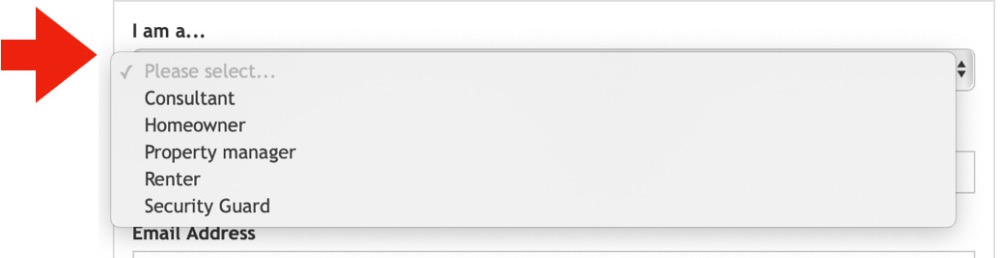
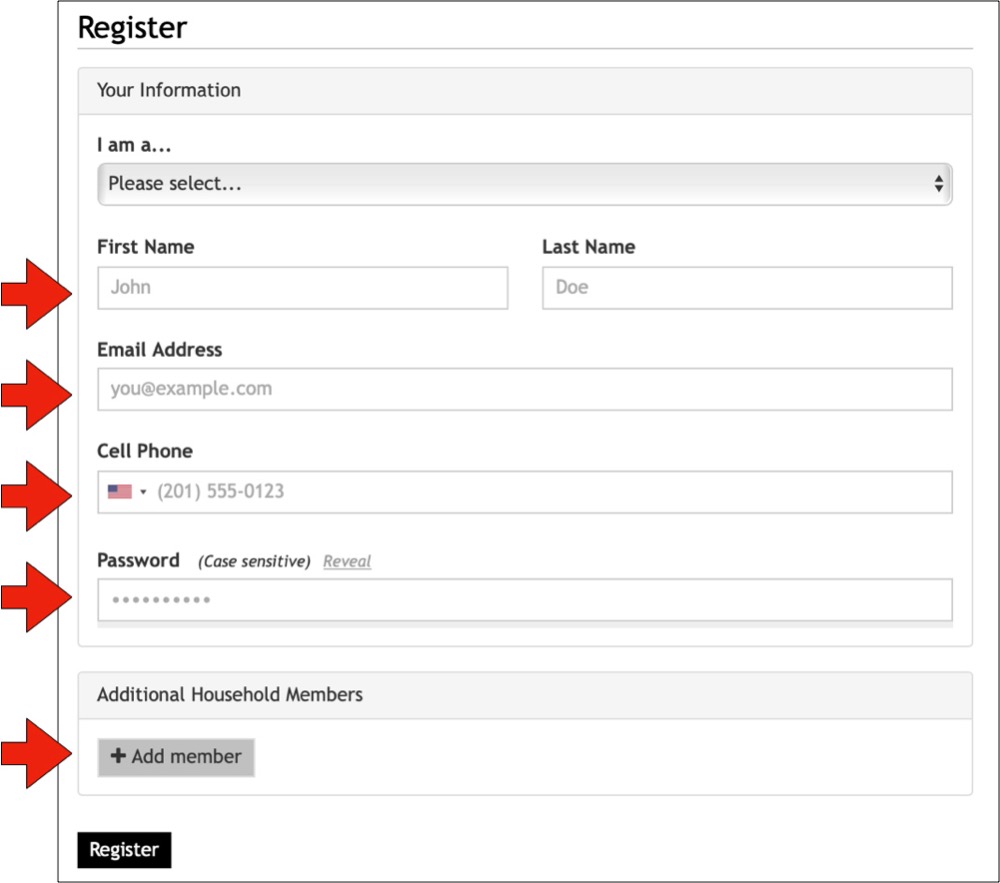
Start by providing some basic information about yourself, like name, email address, and cell phone number. The email address you enter will be used with your password to form your login credentials.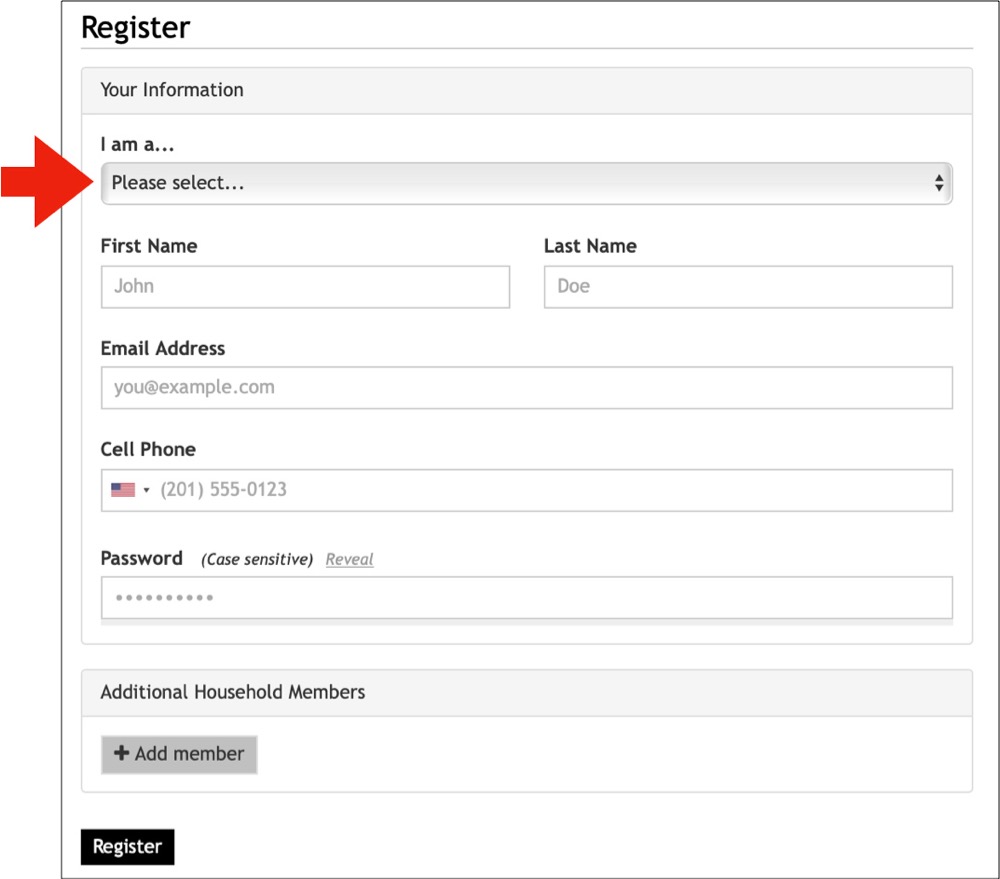
3. Additional household members
If there are additional members you'd like to add to your account, you may add them in the "Additional Household Members" section.
Joint members that include an email address will be able to log in and receive communications.
Since an email address is required to log in, members that are added without an email address will not have the ability to log in or receive communications. However, they will be displayed on the directory pages.
Joint members can either be "full" or "partial" members, depending on whether they have an email address.
Joint members with an email address have the ability to interact with the website and be included on pages like the "Resident Directory," "Board Members," and "Committees" pages.
Partial members (those who have no email) will not have the ability to interact with the website or receive communications. They can, however, be displayed on directory and leadership pages.
4. Addresses
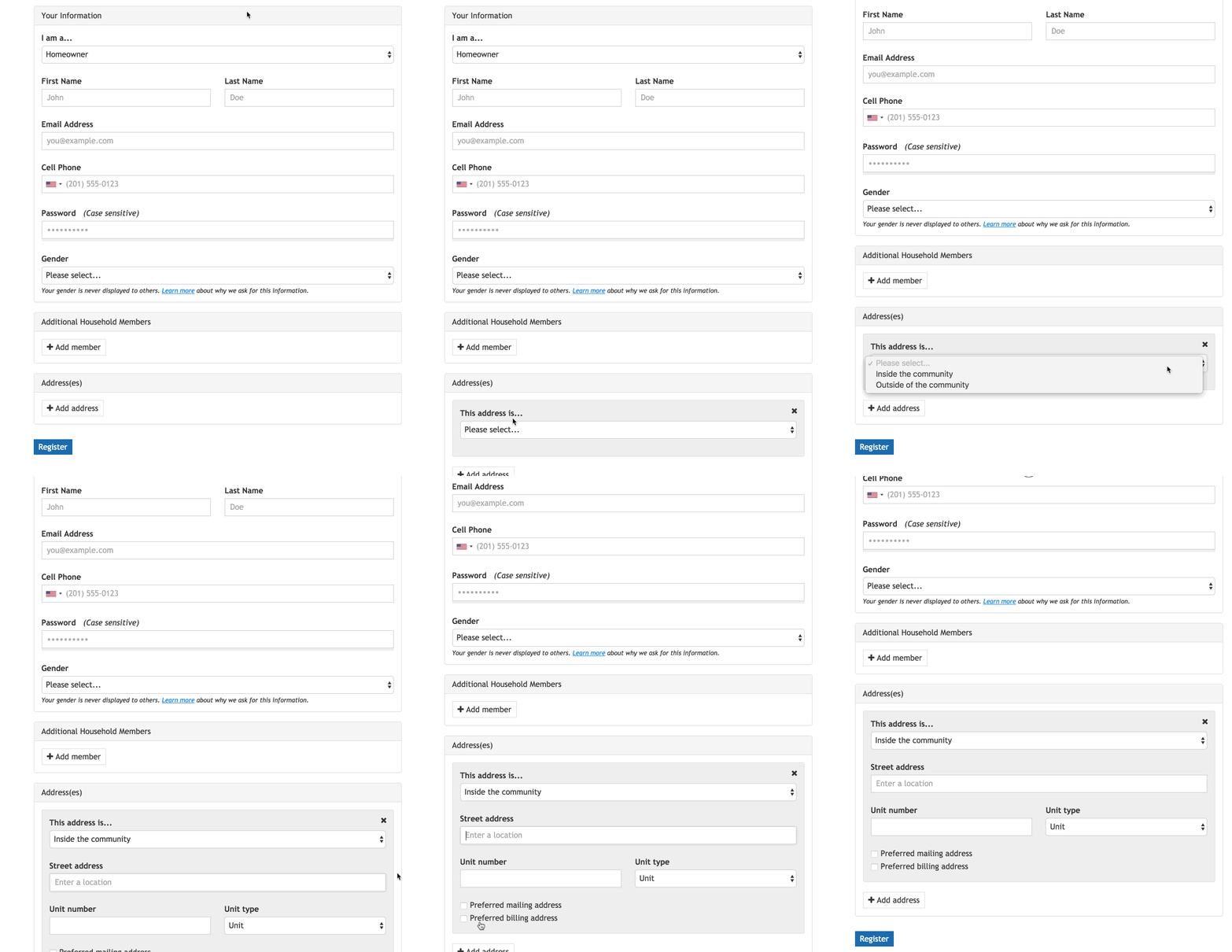
There are different account types available for members to register with. Each account type has its own set of address requirements.
While some account types may require at least one address inside of the community, others may require no address at all.
Depending on the account type you are registering with, you will be prompted to either add an address according to its specific requirements or skip the address section entirely.
If the account type you're registering with requires an address, provide each address that should be associated with your account in the "Address(es)" section. Designate them as being located inside or outside of your community and determine which is your preferred mailing and (if needed) billing address.
5. Review and approval
Once you have submitted the registration form, your account will be placed in a review center for our website administrator to approve or decline. Once a decision has been made, you'll be notified via email.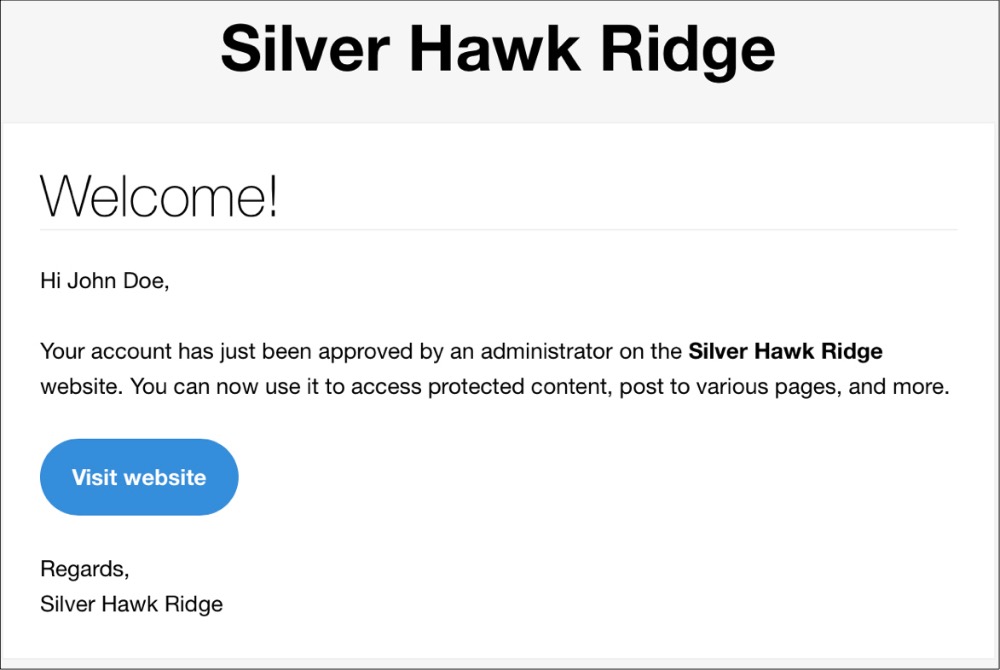
6. Log in using your email (username) and the password you chose. Once logged in, use the Account Settings Page for further instructions.